 by
by 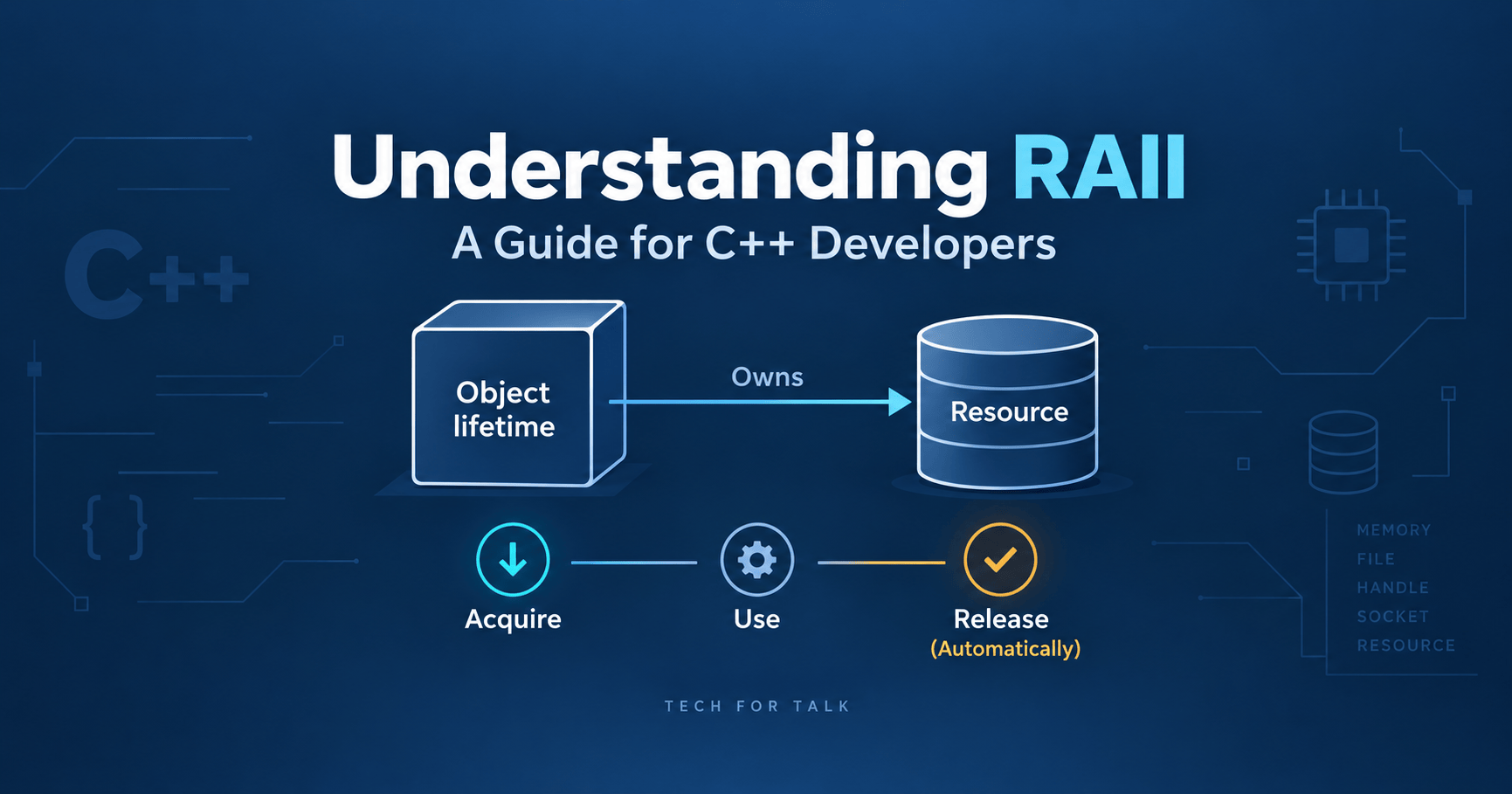
Acronyms Are Intimidating Until They’re Not
Acronyms often amuse and perplex programmers alike. In fact, many of them seem to make things more complicated than they truly are, at least initially. I’ve found that some of the most popular (or infamous) acronyms take a while to sink in. But once you understand them, they no longer seem intimidating. You begin to appreciate their purpose and elegance.
One such acronym is RAII, short for Resource Acquisition Is Initialization. For many new C++ developers, RAII can feel mysterious and counterintuitive. Even experienced programmers sometimes struggle to grasp its full importance. Yet, once you truly understand RAII, you’ll never want to write C++ code any other way. It becomes second nature. You start to spot its absence or misuse instantly, and you instinctively follow its principles.
After spending years in the software industry, I’ve encountered RAII in all kinds of situations. I’ve seen it implemented cleanly in well-designed libraries, and I’ve seen codebases suffer due to its neglect. I’ve discussed it in interviews, explained it to colleagues, and reflected on its implications during code reviews. Despite its age, RAII remains a fascinating and essential pillar of C++ programming.
In this blog, I want to unpack RAII, not as a textbook definition, but as something I’ve lived with, tripped over, and come to appreciate. If you’ve ever thought, “RAII sounds smart, but do I really need to care?” this post is for you.
Why Bother with RAII?
Before we get into how RAII works, it will be useful to understand what problem it solves. Things like allocated memory at runtime, opened files, network sockets, and mutex locks all need to be released when they are no longer, in use. If these resources aren’t cleaned up, it can lead to memory leaks or other issues. RAII solves this by linking the cleanup process to the object’s lifetime. That way, the resource is automatically released when the object goes out of scope. This reduces the chance of forgetting to clean up and makes code safer and easier to manage.
The Classic Memory Leak Trap in C++
Let’s take an example. Imagine we’re building a component for an image processing application. It’s not a real image processor; I just like the sound of it. This class is only pretending to do something meaningful, but it will help us expose a classic pitfall in C++ programming. Here’s the code:
#include <iostream>#include <stdexcept>class ImageProcessor {public: void loadImage() { int* pixelBuffer = new int[100]; // simulate image buffer std::cout << "Loading image...\n"; throw std::runtime_error("Image format not supported!"); // boom! delete[] pixelBuffer; // never reached — memory leak }};int main() { try { ImageProcessor img; img.loadImage(); } catch (const std::exception& ex) { std::cout << "Caught error: " << ex.what() << '\n'; } return 0;}
Walking Through the Code
Let us pause to understand what is happening inside this ImageProcessor class.
We have written a method, loadImage() that pretends to load an image. loadImage() creates an array of 100 integers to simulate a pixel buffer. After loadImage() prints "Loading image…" it throws an exception to simulate a failure for example an image format.
Now here is the twist. When the exception is thrown, the flow of control jumps directly to the catch block in main. This means that anything that comes after the throw inside loadImage including the delete[] pixelBuffer statement will never execute. That line is essentially dead code in this path.
In real life, your program may be allocating memory, opening files, or locking mutexes. It might also be acquiring sockets or reserving GPU buffers. These are resources that must be released no matter what. But with just one unexpected throw, your application can silently leak those resources. Over time, those leaks accumulate. Systems slow down. Strange crashes occur. And the bugs are hard to trace.
What makes this even more painful is that the code “looks” fine to a casual reader. No syntax errors. Logical intent is clear. But it has an invisible flaw: it assumes things will go smoothly. And that’s a dangerous assumption in C++.
This is the kind of problem that RAII solves elegantly and reliably, even when code paths get disrupted. Before we delve into how RAII addresses this, let’s first explore the underlying idea. It involves tying resource ownership to object lifetime.
How Do I Know There’s a Leak?
At this point, you might ask: “Okay, but how can I be certain my code has a memory leak?”
To answer that, let’s bring in a powerful diagnostic tool: Valgrind. Valgrind is a widely used tool for detecting memory leaks, invalid memory access, and other subtle bugs in C and C++ programs. It essentially tracks what memory is allocated and deallocated, and reports anything that is left dangling or lost.
Installing Valgrind (on Ubuntu)
If you’re on Ubuntu, you can install Valgrind easily via the terminal:
sudo apt install valgrind
Once installed, we’re ready to catch our leak in action.
Compiling the Code with Debug Info
First, compile your image processor code with debug symbols enabled (-g flag), so Valgrind can give you meaningful output:
g++ -g image_processor_leaky.cpp -o image_processor_leaky
Now, you’ll have a binary named image_processor_leaky.
Running Valgrind on the Binary
With your binary ready, run it through Valgrind like this:
valgrind --leak-check=full ./image_processor_leaky
Valgrind will now execute the program and monitor its memory usage. Since our code throws an exception before deleting the pixel buffer, Valgrind will clearly report a definitely lost block of memory—indicating a leak.
Sample Output (What to Expect)
If the leak is present, Valgrind will emit something like:
==23133== 400 bytes in 1 blocks are definitely lost in loss record 1 of 1==23133== at 0x484A2F3: operator new[](unsigned long) (in /usr/libexec/valgrind/vgpreload_memcheck-amd64-linux.so)==23133== by 0x10942E: ImageProcessor::loadImage() (image_processor_leaky.cpp:10)==23133== by 0x1092F0: main (image_processor_leaky.cpp:23)
This confirms the leak: 400 bytes (100 integers × 4 bytes) were allocated but never deallocated.
So, what is the problem Here?
At this point, I would like you to pause for a second and ponder over what has just been demonstrated. What do you think is the underlying problem here? The answer to that question is the crux of this discussion, and it is central to our understanding of RAII.
Manual resource allocation and deallocation
The core problem here is that raw resource allocation and deallocation need cleanup and that cleanup can be easily overlooked. If the program’s control flow changes the cleanup code may not run. This can happen when an exception occurs or when an early return statement makes the function exit, before the delete[] call is reached.
Unlike Java and other garbage‑collected languages, C++ does not have a garbage collector that automatically reclaims allocated memory that is no longer reachable. If delete[] is skipped, the allocation stays active until it is released explicitly or until the process terminates. The compiler treats delete[] as a statement and does not guarantee that every control‑flow path will reach it.
Here comes RAII to rescue…
Now to alleviate the problem we discussed in the previous section, RAII comes into the picture. RAII stands for Resource Acquisition Is Initialization. RAII prescribes that if you need to acquire a resource, you must do so in the constructor, and you must release it in the destructor.
By doing this we tie the life-cycle of the resource to the life-cycle of the object. The object is an instance of the class that owns the resource. The resource is acquired during object construction. This marks the beginning of its life. It is released in the destructor when the object goes out of scope.
C++ guarantees: Destructors run during scope exit and stack unwinding
C++ guarantees that when a fully constructed automatic object leaves its scope normally or when its scope is exited during stack unwinding after an exception, the destructor of that automatic object will be automatically invoked. By placing deallocation logic inside the destructor of that object, resource cleanup follows the lifetime of that automatic object. This cleanup occurs when the scope of that object exits normally via a return statement or while an exception propagates through that automatic object’s scope.
RAII removes the need to repeat cleanup along each of these control‑flow paths. RAII supports exception‑safe resource management by releasing owned resources during stack unwinding. This guarantee of RAII does not apply when normal destruction is bypassed, such as when the program calls std::abort() or std::_Exit().
Let us now rewrite the code following RAII principles.
Rewriting the Leaky Code with RAII
Here is the implementation following RAII principle:
// image_processor_raii.cpp#include <iostream>#include <stdexcept>class ImageProcessor { int* pixelBuffer;public: ImageProcessor() { pixelBuffer = new int[100]; // acquired in constructor std::cout << "Allocated image buffer\n"; } ~ImageProcessor() { delete[] pixelBuffer; // always freed std::cout << "Freed image buffer\n"; } void loadImage() { std::cout << "Loading image...\n"; throw std::runtime_error("Image format not supported!"); // auto-cleanup }};int main() { try { ImageProcessor img; img.loadImage(); } catch (const std::exception& ex) { std::cout << "Caught error: " << ex.what() << '\n'; } return 0;}
Okay, now let’s do a walk through of the above implementation. We will see how RAII has been implemented. Also, we will check if it has helped our case at all.
RAII in Action: A Leak-Proof Image Processor
Class Structure
The class ImageProcessor owns a dynamically allocated buffer named pixelBuffer, which simulates an image loaded into memory. This buffer is:
- Acquired in the constructor
- Released in the destructor
This aligns precisely with the RAII principle. It ties the lifetime of the resource (pixelBuffer) to the lifetime of the object (ImageProcessor).
Resource Acquisition in the Constructor
ImageProcessor() { pixelBuffer = new int[100]; // acquired in constructor std::cout << "Allocated image buffer\n";}
Here, memory allocation happens during object construction, specifically in the constructor. The object takes ownership of pixelBuffer, tying the resource to the object’s lifetime. Now, let’s examine the class destructor, which releases the resource when the object is destroyed.
Automatic Cleanup in the Destructor
~ImageProcessor() { delete[] pixelBuffer; // always freed std::cout << "Freed image buffer\n";}
As you can see the deallocation code has been placed inside the destructor. When the object leaves scope normally through a return statement or, during stack unwinding after an exception C++ automatically calls its destructor. The destructor then releases the resource without requiring cleanup code.
Notice that we have removed the resource allocation code from the loadImage() function. The function still throws an exception as before but the lifetime of pixelBuffer is now tied to the lifetime of the object that owns it. When the object is destroyed its destructor releases the allocated memory. This prevents the leak that would occur if pixelBuffer were allocated inside loadImage(). The exception bypassed the corresponding delete[] statement.
Verifying with Valgrind
Now that we’ve restructured the code to follow the RAII principle, it’s time to validate our fix in practice. Earlier, the manual memory management approach led to a leak when an exception occurred. Let’s compile the RAII version of the code. Run it through Valgrind. This will confirm that the memory is now being released automatically.
g++ -g image_processor_raii.cpp -o image_processor_raiivalgrind --leak-check=full ./image_processor_raii
This will run the program under Valgrind’s memory checker. If RAII is working correctly, the output should indicate that all heap blocks were freed. We expect that no memory was leaked.
Here’s what the output looks like:
Allocated image bufferLoading image...Freed image bufferCaught error: Image format not supported!==38846== HEAP SUMMARY:==38846== in use at exit: 0 bytes in 0 blocks==38846== total heap usage: 5 allocs, 5 frees, 74,324 bytes allocated==38846== ==38846== All heap blocks were freed -- no leaks are possible==38846== ERROR SUMMARY: 0 errors from 0 contexts (suppressed: 0 from 0)
The Valgrind report confirms that all heap blocks allocated during this run were freed, even though loadImage() threw an exception. The relevant line is:
All heap blocks were freed -- no leaks are possible
In this example, RAII ties the allocated memory to the lifetime of the object. The destructor releases the memory when the object leaves scope normally, through a return statement, or during stack unwinding after an exception. This removes the need to repeat the cleanup code along each of those control-flow paths.
What If I Forget to Release in the Destructor?
Let us be clear about one thing: RAII depends on destructors to release resources when an object is destroyed. Raii does not write the necessary destructor code to release a resource for you. If you manage a resource directly and forget to release that resource inside the destructor C++ will still call the destructor during destruction but C++ cannot fix the missing cleanup logic. You are responsible for writing that cleanup logic. If the cleanup logic is missing the resource will leak.
RAII gives you a reliable place for cleanup: the destructor. But you still need to implement that cleanup correctly. RAII is not garbage collection. It’s not automatic memory recovery. It’s automatic destructor invocation. That’s a crucial distinction.
Try It Yourself: Live RAII Demo
Want to experiment with the code? Try running the RAII-based image processor live:
👉 Run it on Wandbox or Explore on Godbolt
Copy-paste the code and see how destructors behave during exceptions. This is a great way to internalise what RAII actually does at runtime.
Further Reading
If you’d like to dive deeper into the world of RAII, resource management, and best practices in modern C++, here are some top picks:
- C++ Core Guidelines – Resource Management
- Scott Meyers – Effective C++
- cppreference.com – Smart Pointers
- Valgrind Manual
Final Thoughts
RAII is used throughout modern C++. Standard library types such as containers, smart pointers and lock guards tie resource ownership to object lifetime. This allows resources to be released automatically during normal destruction and stack unwinding after an exception.
If you are not yet using RAII deliberately, start by replacing direct resource management with suitable resource-owning types.
Get in touch
Contact
Questions about the book, systems programming, or anything on this page? Send a message and I’ll get back to you.


Discover more from Tech For Talk
Subscribe to get the latest posts sent to your email.
Leave a Reply